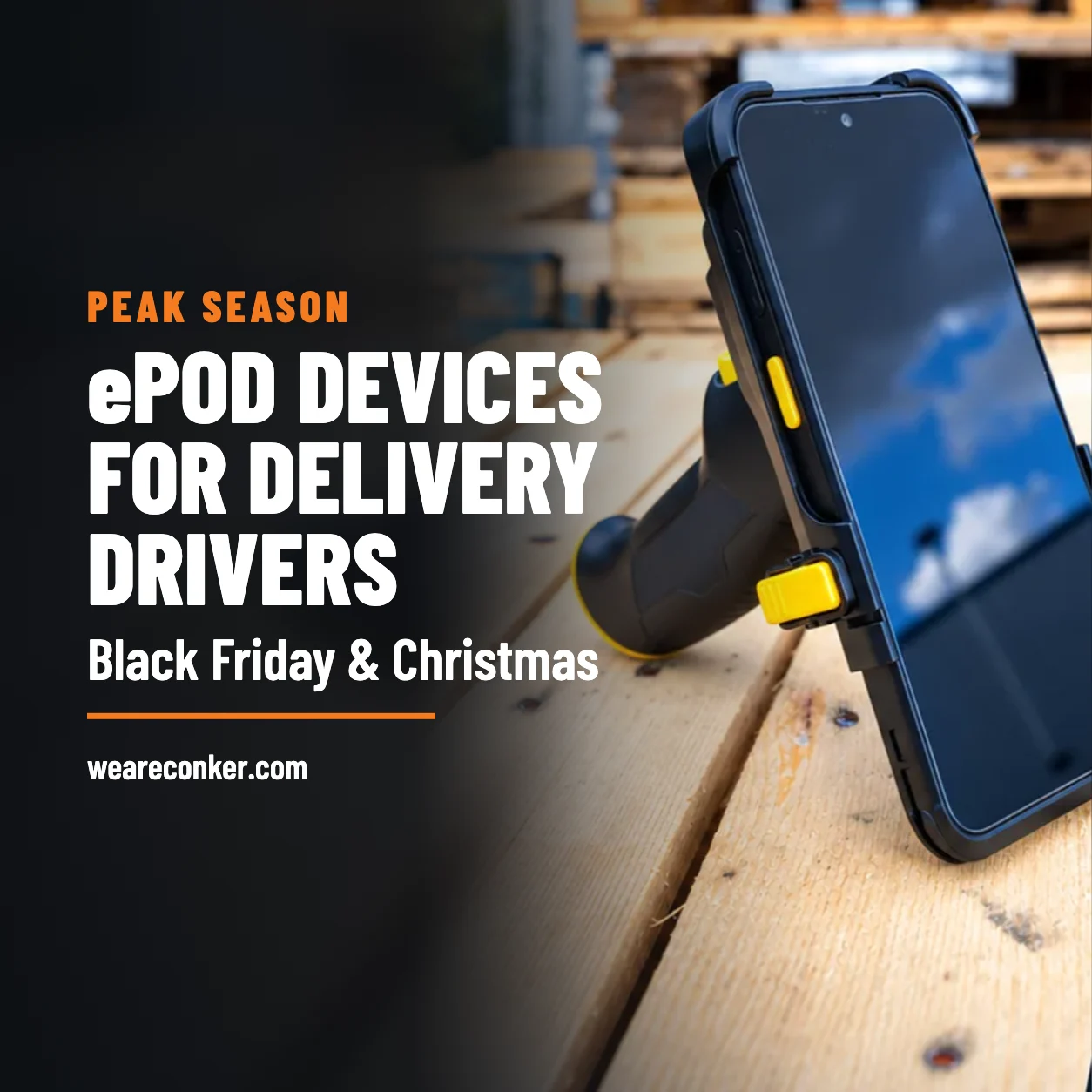
For ePOD (electronic proof of delivery), each driver needs a device that runs your app and captures photos, signatures, scans and GPS location at the door, backed by in-van charging and device management. Add a printer if drivers issue receipts or labels. A VDC Research analysis published by Dell on 9 December 2025 puts worker time lost per device problem at 74 minutes. This guide is for transport and logistics fleets running their own vans. Black Friday falls on 27 November 2026; have kit tested before then.
On this page:
What does a driver need for electronic proof of delivery?
A driver needs an app-compatible device and the supporting kit for their round. Your proof of delivery system comes from your software provider or transport management system (TMS); Conker supplies hardware, mounts, printers and MDM.
| Item |
What it does at the door |
When you can skip it |
| Device running the ePOD app |
Captures delivery records |
Cannot skip |
| Barcode scanning |
Records parcel or item IDs |
No scanning requirement |
| Mobile printer |
Prints receipts or labels |
Emailed POD suffices |
| Vehicle mount and in-van charging |
Holds and charges device between stops |
Tested battery plan covers round |
| Mobile data SIM |
Connects app to back office |
Offline workflow meets requirements |
| Mobile device management |
Controls shared devices and apps |
Another managed service provides it |
Check app compatibility before ordering. Test offline capture and later sync before omitting mobile data; a driver still needs a way to upload records.
Rugged phone, rugged handheld or consumer phone: which suits ePOD?
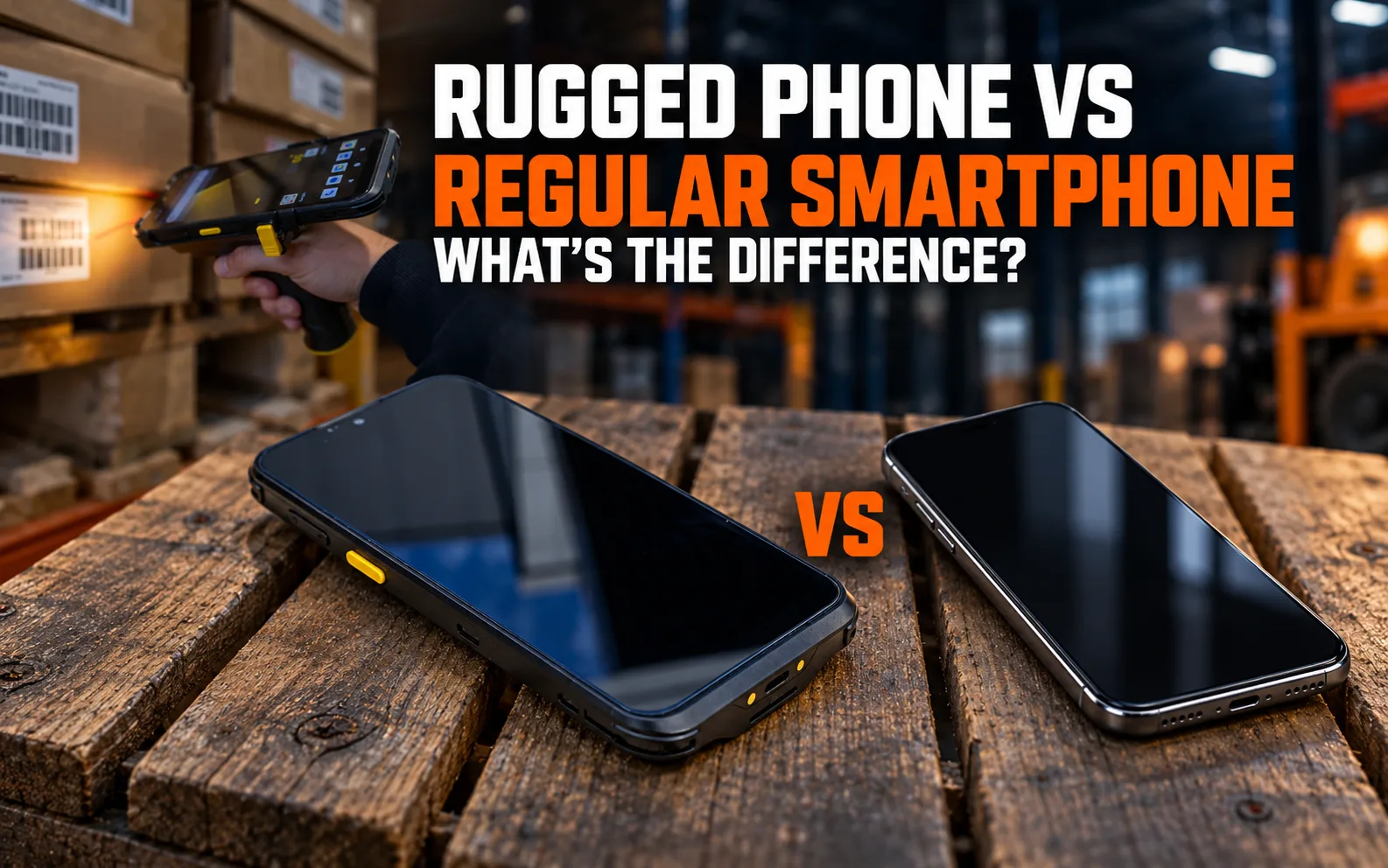
Choose a rugged phone for photos and signatures, a rugged handheld for repeated scanning, or a consumer phone for lighter work. Conker’s rugged phone vs regular smartphone guide covers the wider comparison.
Conker lists the specifications and prices below, checked against its product information in October 2026. Apple’s temperature figure comes from Apple’s operating temperature guidance, checked October 2026.
| Feature |
Conker SX55 rugged phone |
Conker SX65 rugged handheld |
iPhone 17 (consumer phone) |
| Screen |
5.7-inch |
6.5-inch |
6.3-inch |
| Barcode scanning |
13MP camera with a dedicated scan button |
Newland 2D engine |
Camera, test app |
| Water and dust |
IP68 |
IP67 |
IP68 (6m for up to 30 minutes) |
| Drop test |
1.5m |
1.5m |
No published drop rating |
| Cold |
-15°C to 55°C operating |
-20°C to 50°C operating |
0°C to 35°C ambient use |
| Battery |
Fixed 4,000mAh |
Swappable 5,000mAh |
Fixed, up to 30 hours video playback |
| Weight |
250g |
285g |
177g |
| Price |
£299 |
£789 list |
£799 (256GB) |
| Accidental damage cover |
Included in the 3-year Relax warranty |
Included in the 3-year Relax warranty |
Not included in Apple’s standard warranty |
The SX55 weighs less than the SX65. The SX65 adds a scan engine and battery swapping; ask drivers to trial it with their labels.
Apple excludes liquid damage under Apple’s warranty terms, checked October 2026. Confirm liquid-damage cover for the Conker tier you choose rather than inferring cover from an IP rating.
Is a phone camera enough for scanning, or do drivers need a scan engine?
A camera can suit a handful of drops; repeated parcel scanning favours a dedicated engine. On a multi-drop parcel round, drivers scan at the van and again at the door. A parcel scanner with a dedicated 2D engine saves handling time and copes with creased or wet labels.
Wholesale and field service drivers with fewer stops may manage with the camera. Trial rugged handhelds with built-in scan engines against the phone you use: time a test batch of 20 scans each way on your own labels. Include damaged labels and count retries alongside successful reads. Then ask the driver to repeat the test in their usual gloves.
Do delivery drivers need a mobile printer?
Drivers need a printer for cash-on-delivery receipts, direct store delivery invoices or returns labels issued at the door. Skip it where the customer receives an emailed POD and needs no paper document.
For a portable label printer or mobile receipt printer, check width against your actual document. Conker’s rugged mobile printers page, checked October 2026, lists these options, all rated IP54:
| Model |
Print width |
Weight |
| Zebra ZQ310 Outdoor |
48mm |
810g |
| Zebra ZQ511 |
72mm |
630g |
| Toshiba B-FP2D |
54mm |
460g |
| Zebra ZQ620 Plus |
72mm |
730g |
| Toshiba B-FP3D |
72mm |
700g |
| Zebra ZQ630 Plus |
104mm |
1.1kg |
| Toshiba B-EP4DL |
104mm |
860g |
Order paper and label stock for peak volumes, and test the app’s receipt or label layout before issuing printers. On a trial round, have drivers carry the printer loaded with the stock they will use in December.
How do you keep devices charged through a long peak round?
Use in-van charging and a battery plan you have tested over a full round. On a December shift the screen stays on for photos and navigation, and cold doorsteps drain batteries faster.
The Conker SX50 offers a charging vehicle mount with an adjustable arm and a 9,000mAh extended battery, according to Conker’s product information, checked October 2026. Trial that setup in your vans.
With the SX65, allocate charged replacement batteries. Conker lists a desk dock that charges a spare battery and a four-bay battery charger (October 2026). With the SX55’s fixed battery, plan charging opportunities around the round. Check that drivers can dock and remove the device without disturbing cables. A mAh figure won’t tell you shift runtime, so run the ePOD app with the screen on for a full round and record the remaining charge back at the depot.
Should the van have its own screen?
A fixed cab screen can help drivers who need continuous routing or larger job sheets while carrying a handheld to the door. With a vehicle mounted tablet, drivers leave navigation in the cab at every stop.
Conker’s vehicle mounted computers, as listed by Conker in October 2026, include an 8-inch Android option. The range offers 8-inch and 10.1-inch screens, Android 12 or Windows 10/11, operation at -20°C to 60°C and M12 screw-fit ports. Confirm the configuration and installation, then test how drivers move between cab and doorstep tasks.
Which costs less over a peak and beyond?
Compare downtime and support costs alongside purchase price; the cheaper handset may cost more across a year. The hypothetical example below assumes a fleet of 20 drivers and six consumer-phone failures in a year.
VDC Research, published by Dell on 9 December 2025, found non-rugged devices fail three times as often and worker time lost averages 74 minutes per device problem. Applying that ratio gives two rugged failures; applying the time figure gives:
| Hypothetical option |
Failures |
Minutes lost |
Hours lost |
| Consumer phones |
6 |
444 |
7 hours 24 minutes |
| Rugged devices |
2 |
148 |
2 hours 28 minutes |
The example leaves out repair or replacement costs, missed delivery slots, failed-delivery reattempts and the time depot staff spend configuring a replacement. Add those to your own figures in the Conker TCO calculator.
When is a consumer phone good enough?
A company consumer phone in a good case can suit a few daily drops, dry routes, managers and supervisors, or temporary drivers using devices already enrolled in MDM. Consumer phones offer better cameras and lower weight, and staff may know the controls.
Drops, cold, wet doorsteps and long shifts raise the failure risk, and a case does nothing for battery life. Trial your existing company phone on the busiest round before replacing it. If it copes, spend the budget on charging or device management instead of new handsets. Agree in advance who replaces a failed phone and how the driver finishes the round.
Which Conker device fits which delivery job?
Match the device to the work drivers repeat throughout the round.
Multi-drop parcel couriers. Choose the Conker SX65 rugged handheld with its 2D scan engine, plus a pistol grip for heavy scanning. Trial the grip with the driver’s carrying routine.
Light ePOD with photos and signatures. Consider the Conker SX55 rugged phone. Confirm app compatibility and a charging plan before issuing it.
Wholesale and direct store delivery. Pair the Conker SX50 handheld with a Zebra ZQ620 Plus or Toshiba B-FP3D printer. Both offer 72mm print widths, listed by Conker in October 2026; test your invoice layout.
In-cab dispatch and routing. Consider the 8-inch Android vehicle mounted computer. Check the installation in the van drivers will use.
Field service with longer job sheets. Use the Conker SX88 8-inch tablet on its lockable VESA vehicle mount, as listed by Conker in October 2026. Confirm how drivers will complete doorstep records.
How do you get drivers and devices ready before peak?
Prepare temporary drivers’ devices before they leave the depot and keep a charged spare ready for a mid-round failure.
- Enrol devices in mobile device management and apply app settings.
- Activate SIMs and issue individual app logins.
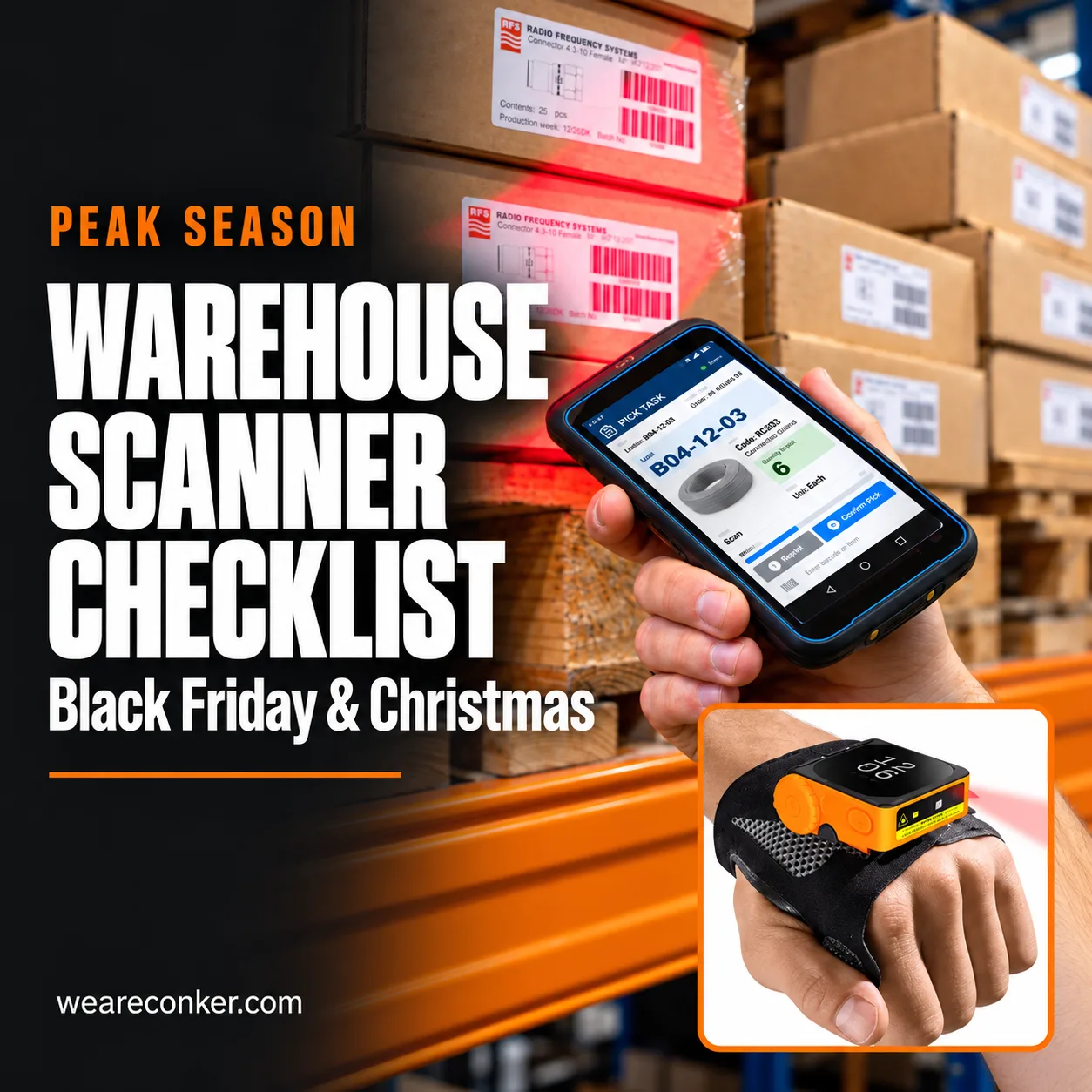
- Test a full cycle at a real address: scan, photo, signature and sync. Use the warehouse barcode scanner checklist for wider testing.
Conker describes three-year RELAX warranty tiers in its service information, checked October 2026. RELAX covers hardware faults, unlimited fixed-rate repairs, an 18-month battery warranty and five-day return-to-base repairs. RELAX Plus adds accidental damage, zero surcharges, free collect and return, battery faults and degradation cover for three years, and one-day repairs. RELAX 360 adds on-site swap-outs, commissioning, secure-wipe disposal, enhanced battery care and a priority SLA.
Conker’s service information (checked October 2026) puts its 2024 average repair time at under one working day. Treat that as an average, not an SLA, and agree how a driver gets a replacement.
Six questions to answer before you buy
- How many drops and scans does a driver make on your busiest day?
- Does your ePOD app run on Android, and which version does it need?
- Do drivers need to print at the door?
- How will devices charge in the van?
- How many temporary drivers join for peak, and when?
- What happens to a round when a device fails?
Building driver kits for peak? Book a project scoping call and we’ll match you with a consultant who works with transport and logistics fleets. Tell us your round types, drop counts and ePOD app, and we’ll help you shortlist devices, printers and mounts.
Frequently asked questions
What is electronic proof of delivery (ePOD)?
Electronic proof of delivery (ePOD) is a digital record that a driver completed a delivery. The driver captures a signature, photo, timestamp, GPS location and scan, then syncs the record to the back office.
Can drivers use their own phones for ePOD?
Drivers can use their own phones for light ePOD rounds if the app supports them. The business loses control of security, app versions and replacement when a phone breaks; company devices enrolled in mobile device management avoid those gaps.
What should an ePOD record capture?
An ePOD record should capture the recipient’s name or signature, a photo of the item at the drop, time, location and a scan of each parcel or item. Check drivers can capture each required field in your app.
Do ePOD devices work without mobile signal?
An ePOD device works without mobile signal only if the ePOD app stores records offline and syncs them later. Test capture and sync on a route with known dead spots before issuing devices for peak.
Which printer width suits delivery receipts and labels?
In Conker’s range, printers with 48mm to 54mm print widths suit receipts, while 72mm to 104mm printers suit labels and invoices. Test your document layout on the chosen printer before ordering paper or label stock for peak.