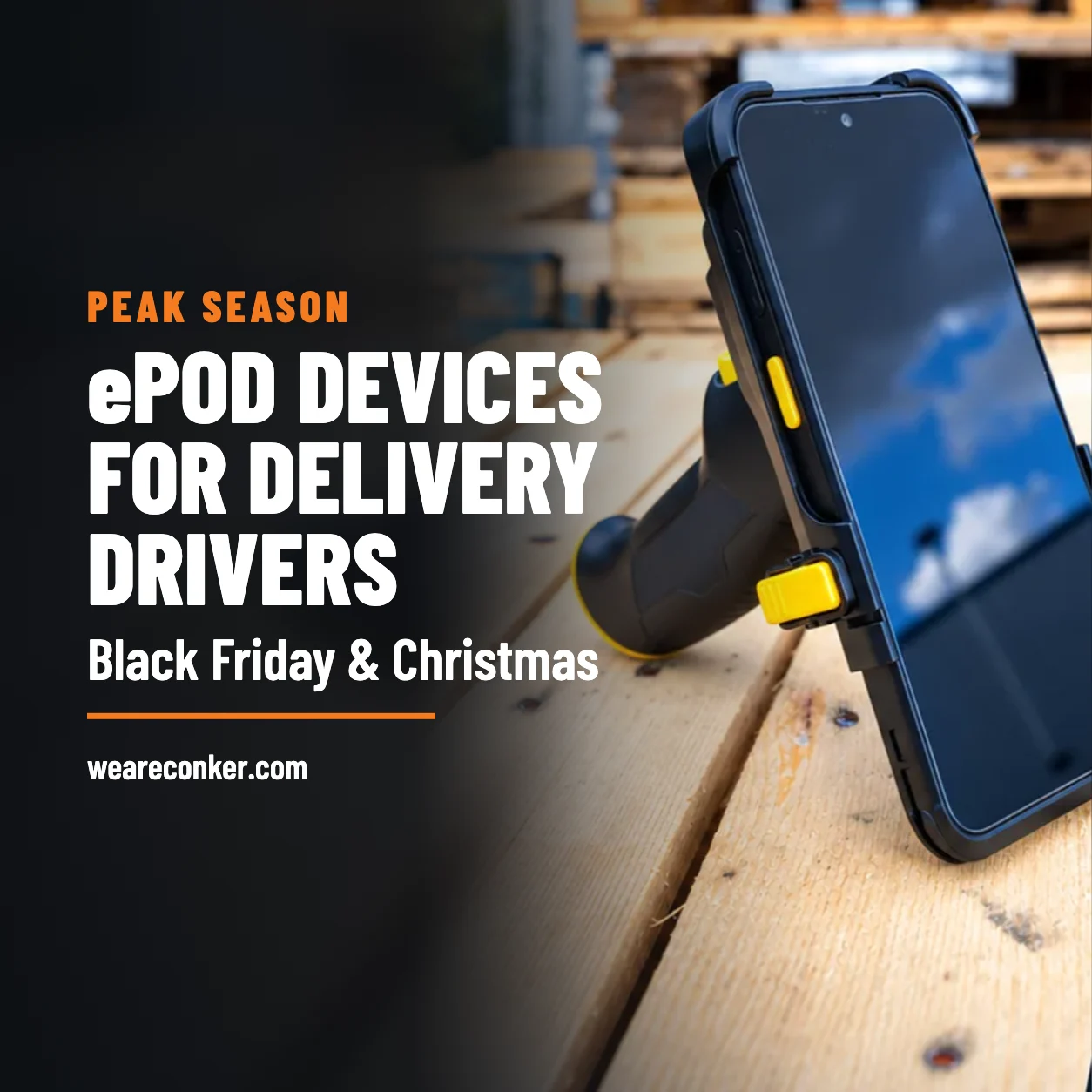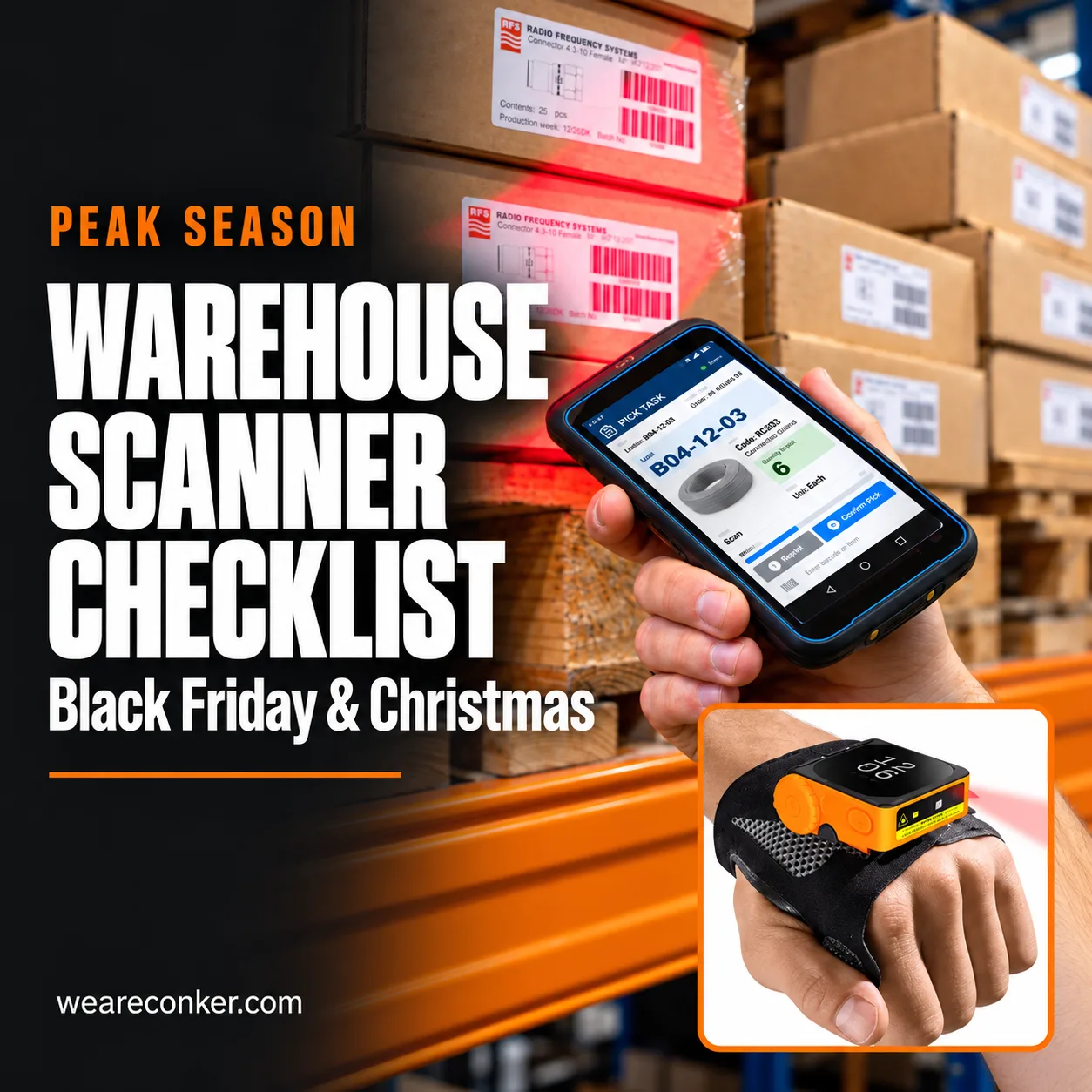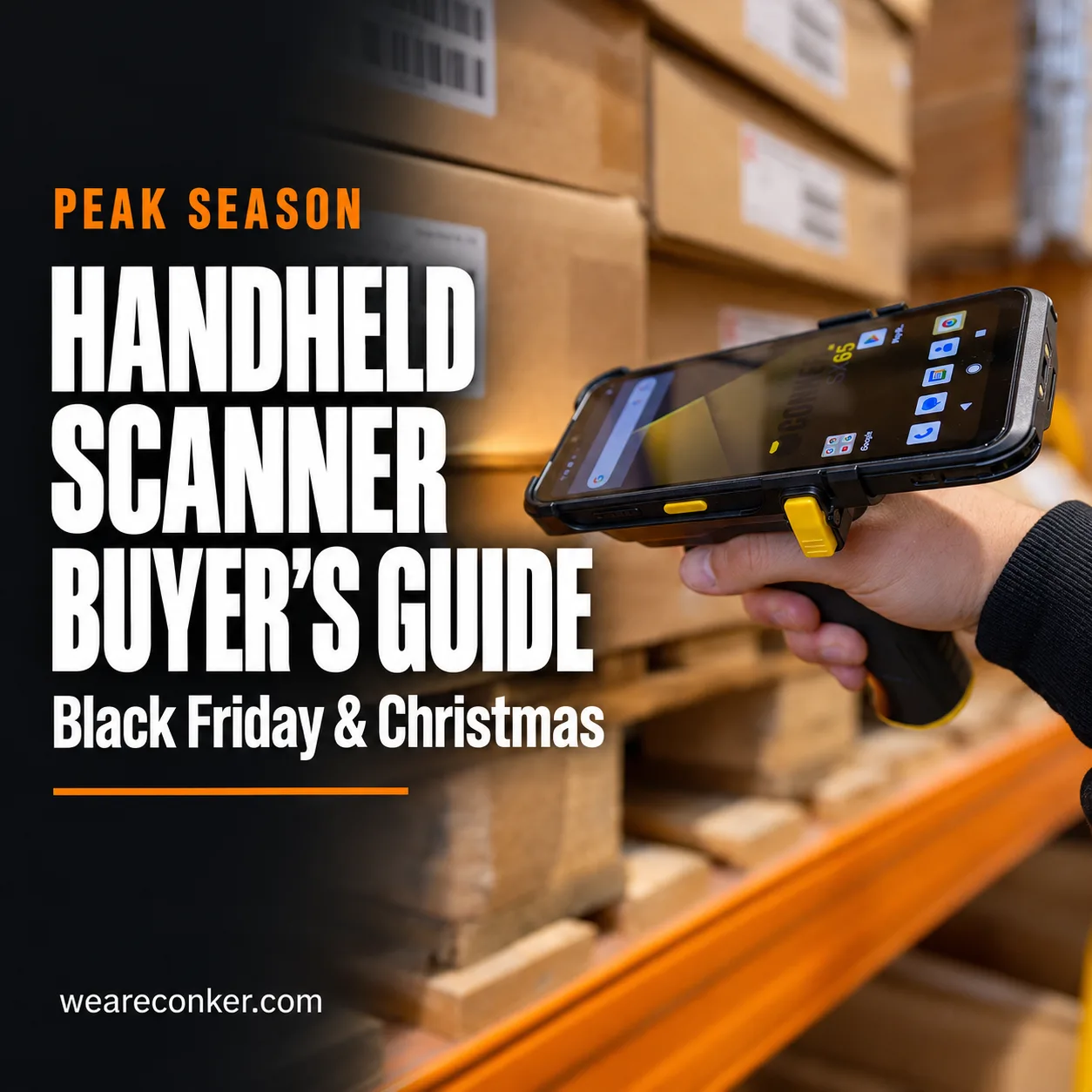



A handheld barcode scanner can be a scanner gun connected to a PC or tablet, or part of a handheld computer that runs your warehouse app. For picking, put-away and stock counts on the move, a handheld computer keeps instructions and scanning together. For a fixed packing bench, a scanner gun may be all you need.
The buying decision starts with what happens after the beep. Does the worker simply need to enter a code, or check a location, confirm a quantity and receive the next task? That difference matters more than the shape of the scanner.
Ahead of Black Friday and Christmas, map those steps before ordering hardware. This guide compares the options, explains what to test and matches Conker handhelds to common warehouse jobs.
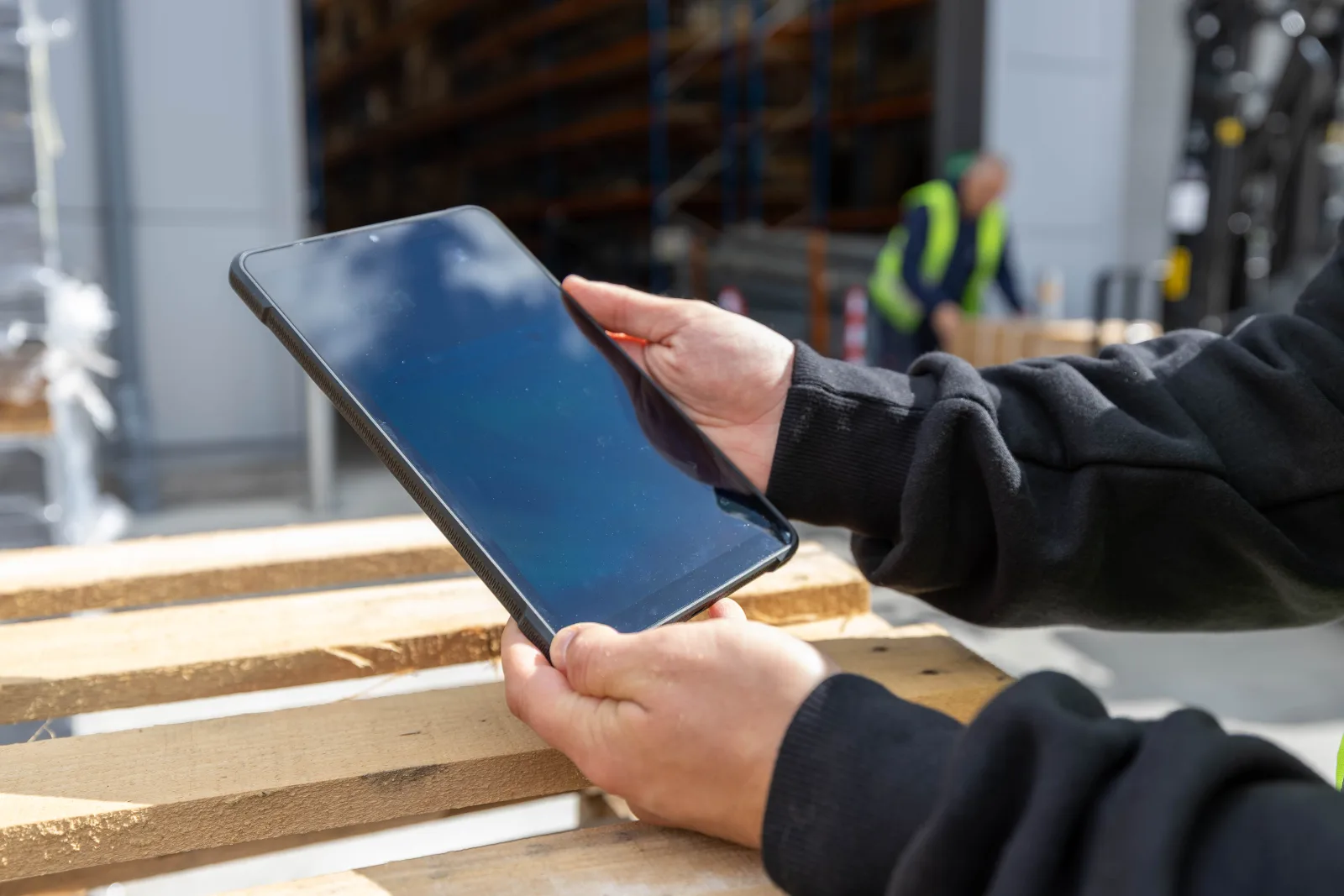
On this page
- What counts as a handheld barcode scanner?
- Scanner gun or handheld computer: which fits each job?
- Which scan engine and range do you need?
- Android or Windows handheld?
- What does peak season do to a handheld scanner?
- How many handhelds do you need, and what do they cost over three years?
- When does a cheap scanner gun do the job?
- Which Conker handheld fits which job?
- What happens when one breaks in December?
- Six questions to answer before you buy
- Frequently asked questions
What counts as a handheld barcode scanner?
Warehouses use three broad formats. A scanner gun reads a barcode and sends the data to a host device. A corded version normally stays at a workstation; Bluetooth gives the operator some freedom within its working range.
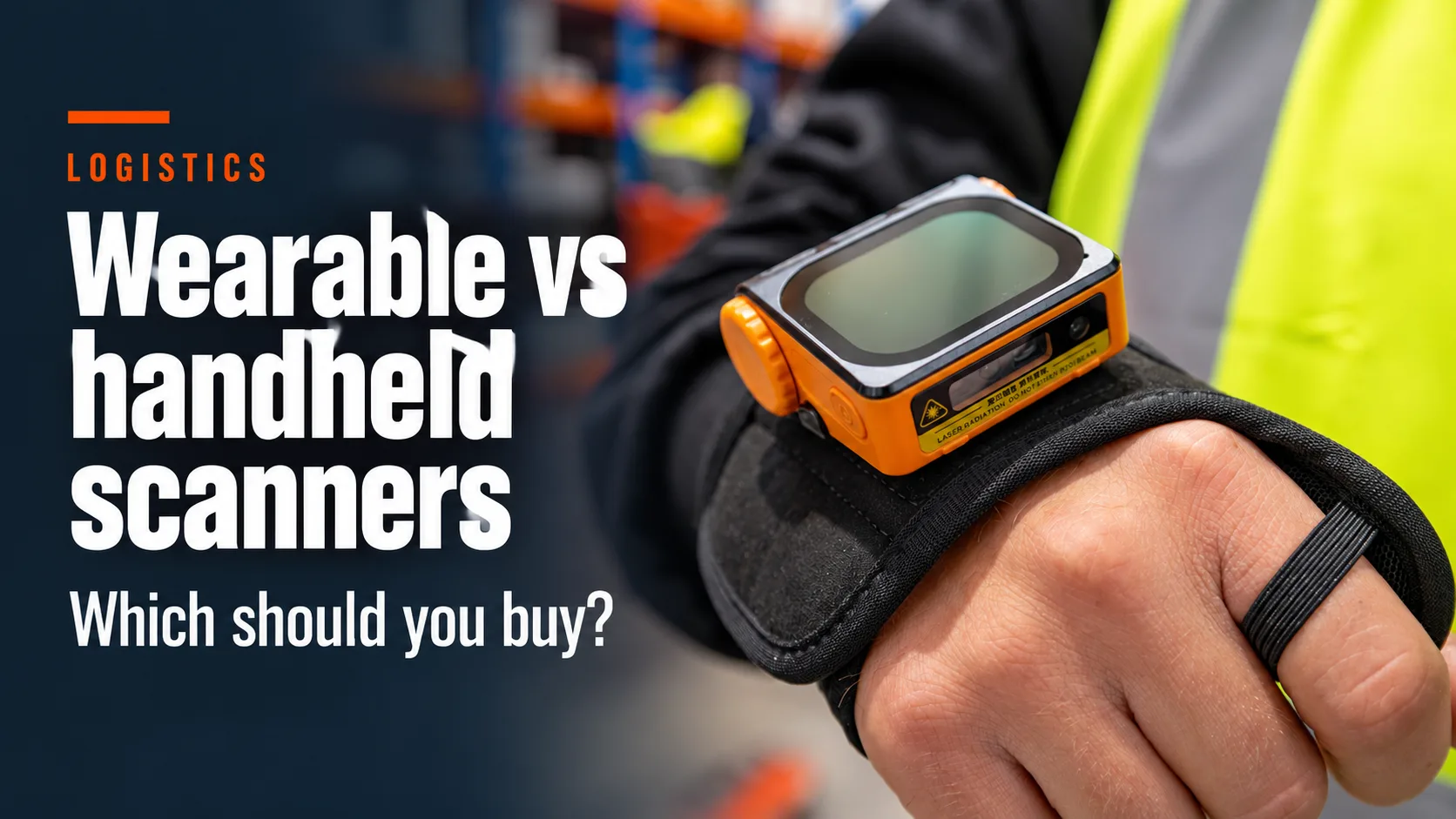
A wearable scanner puts the reader on a finger or hand, often paired with a separate device. A handheld computer, sometimes called a PDA or mobile computer, combines a screen, operating system and scan engine. It can run a compatible warehouse management system (WMS) app without a separate host PC.
Our guide to types of barcode scanners covers the wider options. For hands-free picking workflows, explore wearable barcode scanners.
A 1D reader handles linear barcodes; a suitable 2D imager can also read formats such as QR and Data Matrix. Check your actual labels and choose support for every format you need, including returns and supplier labels.
Scanner gun or handheld computer: which fits each job?
Choose a warehouse barcode scanner by following a complete task, from receiving instructions to confirming the result. A reader that captures codes quickly can still leave a worker walking back to a screen after every scan.
| Buying question | Corded scanner gun | Bluetooth scanner gun | Handheld computer: Conker SX65 example |
|---|---|---|---|
| Needs a separate host? | Usually a PC or tablet | Usually a PC or tablet | Runs a compatible app itself |
| Screen and warehouse app | On the host | On the host | On the device |
| Connection | Commonly USB | Bluetooth to host | Wi-Fi 6 and 5G |
| Typical job | Fixed packing bench | Desk-based work with nearby movement | Picking, put-away, counts and returns |
| Dust and water protection | Check the chosen model | Check the chosen model | IP67 |
| Drop protection | Check model and test conditions | Check model and test conditions | Confirm the current datasheet and configuration |
| Battery planning | Normally powered through host | Charge the reader and host | Plan device charging and spare batteries |
| Remote management | Model and host dependent | Model and host dependent | Assess app, OS and management compatibility |
The SX65 specifications above are published in Conker’s datasheet. A scanner gun can cost less initially, but include its host device and the time spent returning to it in your comparison.
Which scan engine and range do you need?
Start with the nearest and furthest labels workers must read. Shelf picking at arm’s length and reading pallet labels on upper racking are different requirements. Barcode size, print quality, lighting and wrapping also affect whether a scan succeeds.
Ask suppliers to demonstrate your own labels: clean ones, damaged ones, reflective packaging and anything regularly rejected at goods-in. Test at the intended distance and angle, using the app that will receive the data.
Conker’s range includes the SX51 with Zebra 2D scanning, the SX65 with Newland 2D scanning and the SX41 with Honeywell 1D scanning. The SX5L is the long-range option. Compare the engine and configuration rather than assuming every device from one manufacturer reads equally well.
Use our scan engine comparison for background, then validate the shortlist against your current labels and software.
Android or Windows handheld?
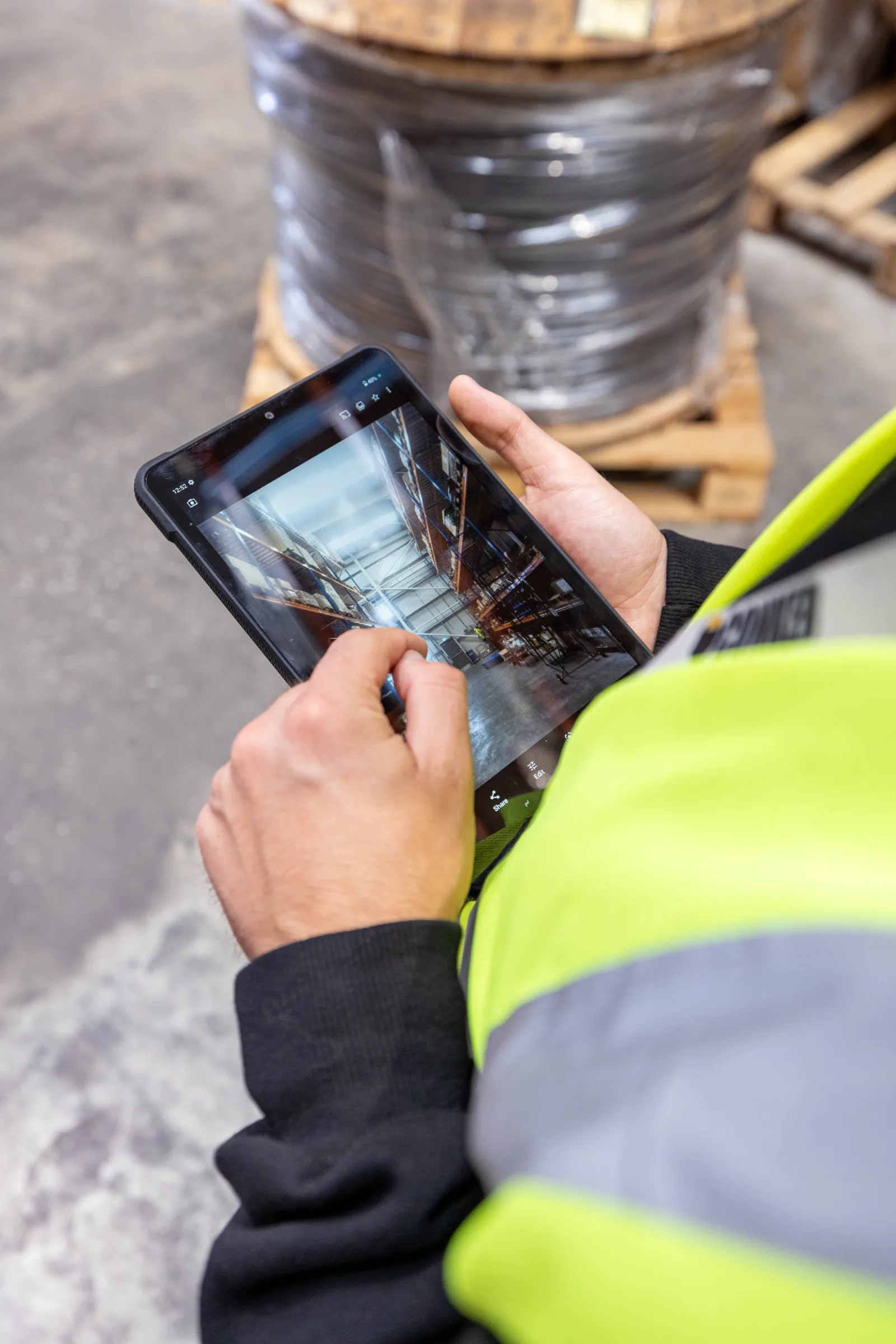
Choose the operating system your WMS supplier supports for the exact client version you use. Check scanner integration, authentication, printing and offline behaviour as part of the same trial.
Android handhelds are worth evaluating when your warehouse app supports Android. Ask for the guaranteed security support end date and upgrade policy, rather than relying on the installed Android version alone.
Google’s Android Enterprise Recommended requirements cover rugged hardware protection, drop testing, published security support and OS upgrade commitments. Requirements vary by release. Check the exact device’s programme status separately; running Android does not establish certification.
Choose a Windows handheld when your required client needs Windows. Terminal emulation alone does not settle the choice: confirm which operating systems your specific terminal software supports.
What does peak season do to a handheld scanner?
Follow one device through a busy December day. It moves past open dock doors, changes hands at shift change and travels on a cage trolley. A temporary worker needs clear instructions. Later, the next shift needs enough battery to finish without borrowing another team’s device.
That is the trial to reproduce. Check grip, trigger access, screen readability, handover and charging under realistic conditions. For cold stores, obtain explicit temperature and condensation suitability from the supplier; an IP rating alone does not establish freezer suitability.
Use the warehouse barcode scanner checklist for pre-peak preparation. The buying trial should establish whether the device suits the job before rollout begins.
How many handhelds do you need, and what do they cost over three years?
Count simultaneous users at your busiest overlap, then add provision for charging, repairs, training and growth. Headcount alone can miss devices needed by supervisors or staff handing over between shifts.
For example, suppose 30 workers need devices at once. If two devices are unavailable for repair and one is reserved for training, 33 devices cover that stated scenario. This is an illustrative planning calculation, not a recommended spare percentage or a failure forecast.
For a three-year comparison, include hardware, scan engines, grips, docks, spare batteries, software, management, support and replacements. Add internal time spent configuring devices, moving accounts and recovering interrupted work. Use your incident history to estimate likely disruption; a general industry failure rate cannot tell you how many devices will be unavailable together.
Conker’s total cost of ownership calculator can help structure the comparison. Ask for finance terms in writing, including the term, ownership position and total payable. Check availability separately if you need temporary peak capacity.
When does a cheap scanner gun do the job?
A straightforward scanner gun can be the right purchase when staff stay at a packing bench, the WMS is already open on a PC and each scan enters data into that application.
The same may apply to a single goods-in desk or a low-volume process. A Bluetooth model can help where the worker needs to reach around a parcel or move nearby, provided pairing and range work reliably in that setting.
Test what happens when the wrong field has focus, a connection drops or two stations use nearby readers. A low purchase price delivers value when the whole process stays simple and dependable.
Which Conker handheld fits which job?
Use these starting points from Conker’s handheld range, then confirm the current configuration and support lifecycle before ordering.
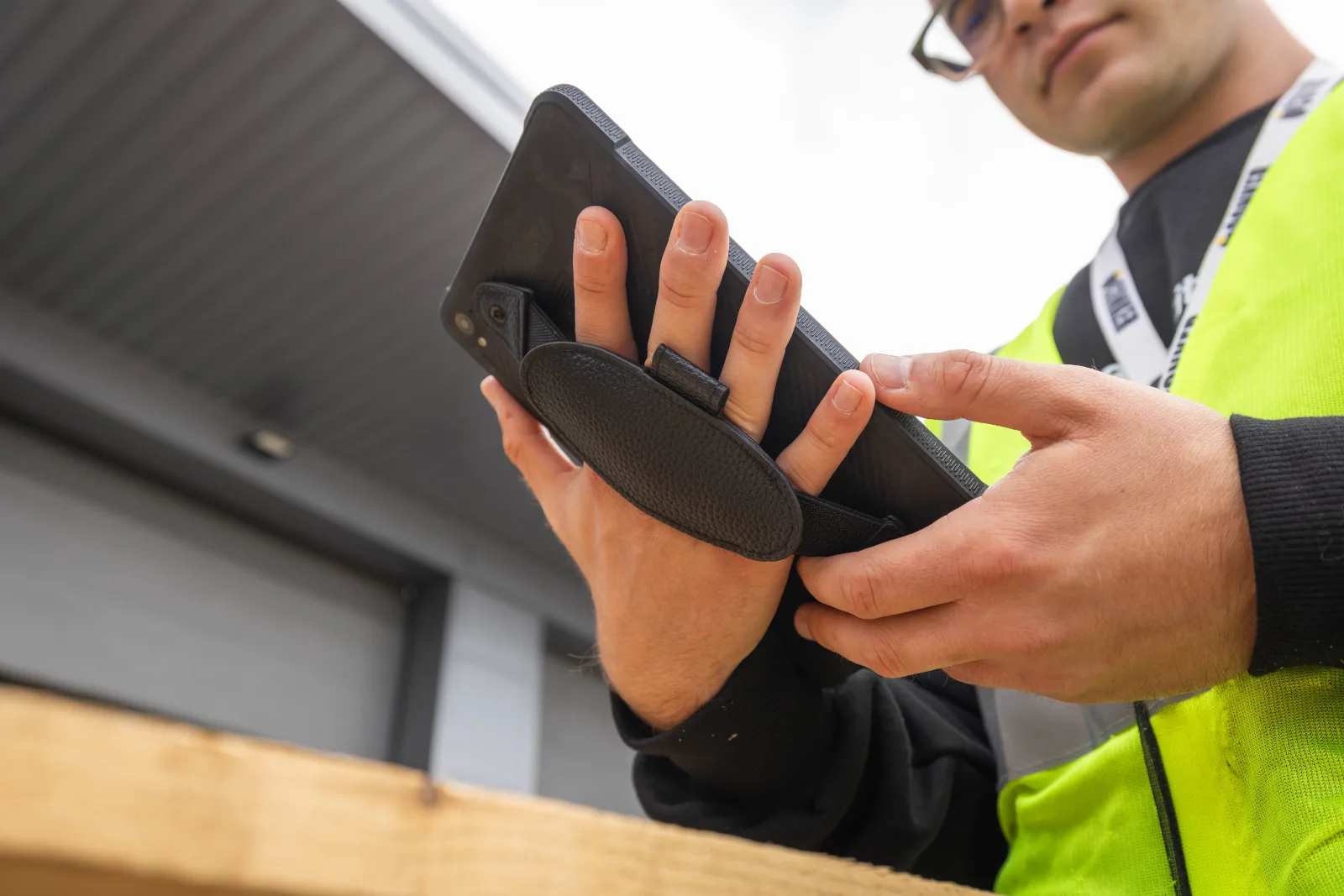
Picking and put-away: SX65. Its 6.5-inch display, Android 14 and Newland 2D engine make it a candidate for workflows combining location instructions, scans and quantity confirmation. Test its size with the chosen grip and workwear.
High-bay and pallet scanning: SX5L. Conker lists long-range scanning and a hot-swappable battery. Trial the actual labels at working height and confirm how battery changes affect an active session.
Keypad entry and stock counts: SX41. The SX41 datasheet specifies Android 13, a 4-inch screen, Honeywell 1D scanning and 25 physical buttons. It suits evaluation where repeated number entry matters. Confirm that 1D scanning covers every required barcode.
Zebra engine sites: SX51. Conker lists a Zebra 2D engine and a 5.5-inch display. Existing engine preferences can guide a shortlist, but test the complete device and app together.
Accessory-led deployments: SX50. Conker lists accessories including a hand strap, pistol grip, docks and a vehicle mount. Check the complete workstation setup and accessory availability in the quote.
Windows WMS: NS65. Conker lists Windows 11, a 6.5-inch display and Honeywell 2D scanning. Validate the exact WMS client, licence requirements and input method before committing a fleet.
What happens when one breaks in December?
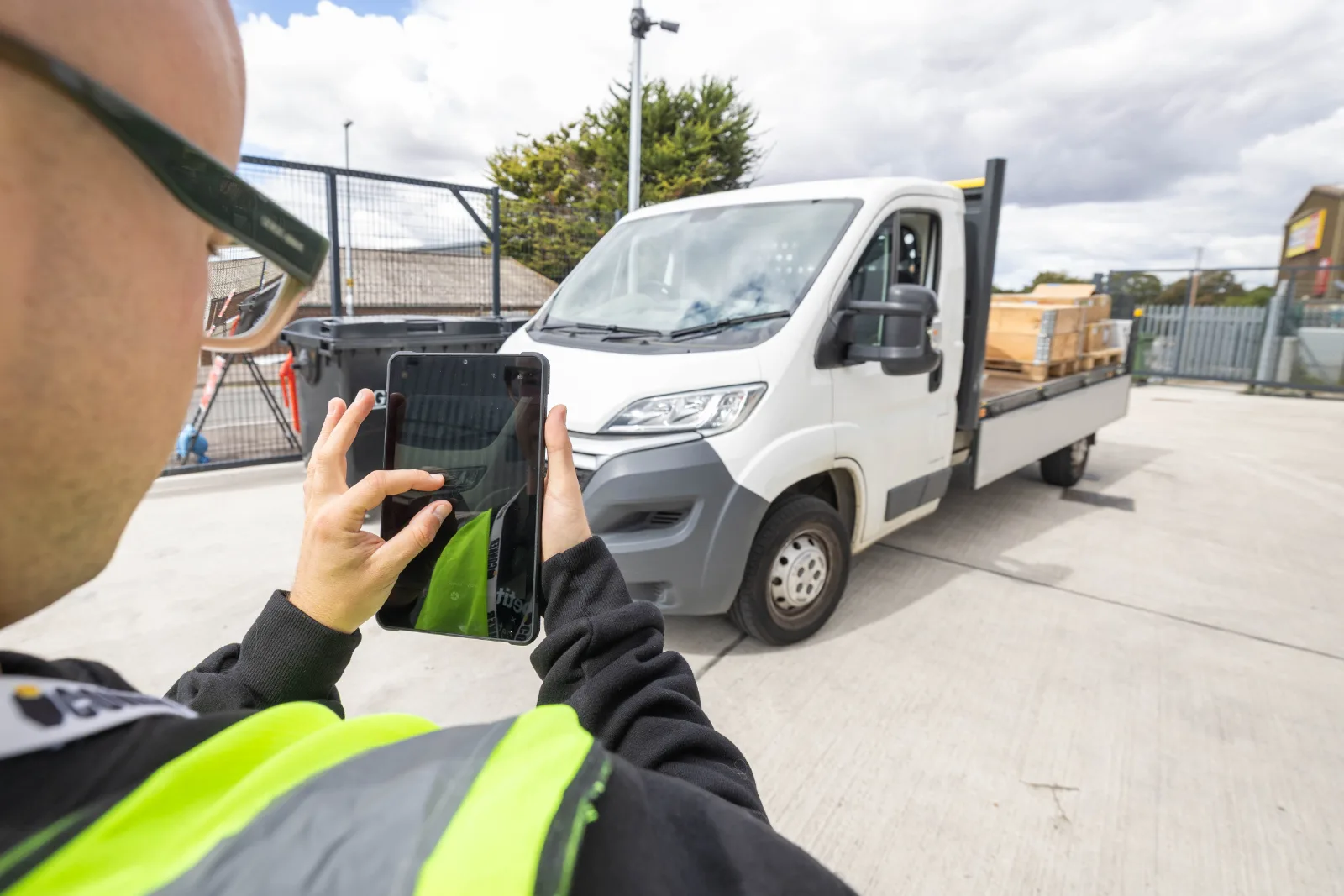
Build the repair process into the purchase decision. Agree who reports faults, how devices reach support and whether your team uses a spare while repairs take place. Check how quickly a replacement can receive its apps and settings.
Ask Conker to explain the current RELAX cover options in your quote, including accidental damage, exclusions and replacement arrangements. Treat a historical average repair time separately from a contractual service commitment.
Discuss mobile device management alongside hardware. Confirm supported devices, enrolment, app deployment and remote support. Ask whether any quoted response time covers acknowledgement, diagnosis, repair or replacement; those promises have different operational consequences.
Six questions to answer before you buy
- Which jobs need a screen and app, and which only need a scan?
- What labels do you scan, and from how far away?
- Does your WMS support Android, Windows or both?
- How long is your longest shift, and what is the battery handover plan?
- How many devices cover simultaneous users, repairs and training?
- Who restores a broken device to service, and under what agreed terms?
Bring those answers, sample labels and your WMS details to Conker. Contact our team to arrange a project scoping call and identify the devices worth testing before your next rollout.
Frequently asked questions
Can a smartphone replace a handheld barcode scanner?
For occasional scanning, a smartphone with a compatible app may be sufficient. For repeated warehouse work, test barcode reading, handling, battery life, durability and device management. Our rugged phone versus regular smartphone guide explains further buying considerations.
What is the difference between a 1D and a 2D barcode scanner?
A 1D reader captures linear barcodes. A suitable 2D imager can also capture two-dimensional formats such as QR and Data Matrix. Confirm support for every barcode format in your workflow before buying.
Corded or cordless scanner gun: which is better for a warehouse?
Corded scanners suit fixed workstations without reader battery charging. Cordless scanners allow movement within their supported range but introduce charging and connection management. Choose according to the working area and process.
Can a Bluetooth scanner work with a rugged tablet?
Yes, if the scanner, tablet and application support a compatible connection and data-input method. Test pairing, reconnection and where scanned data appears in the app. See our warehouse tablet guide for device considerations.
How many spare handhelds should a warehouse keep for peak?
Base the spare pool on simultaneous demand, charging needs, repair turnaround and your own incident history. Include training and shift overlaps. Test whether the pool still covers operations when several devices are unavailable together.