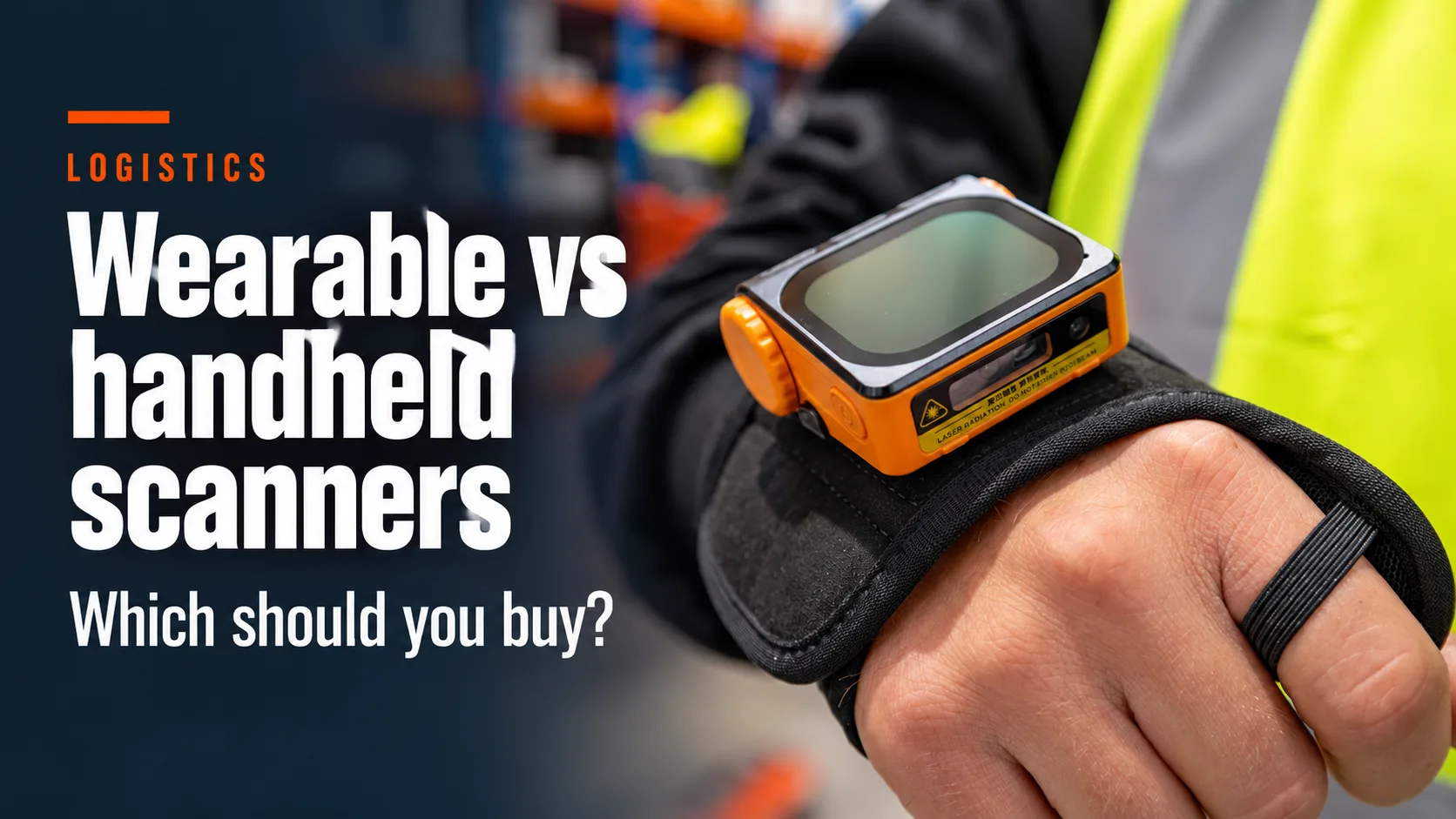
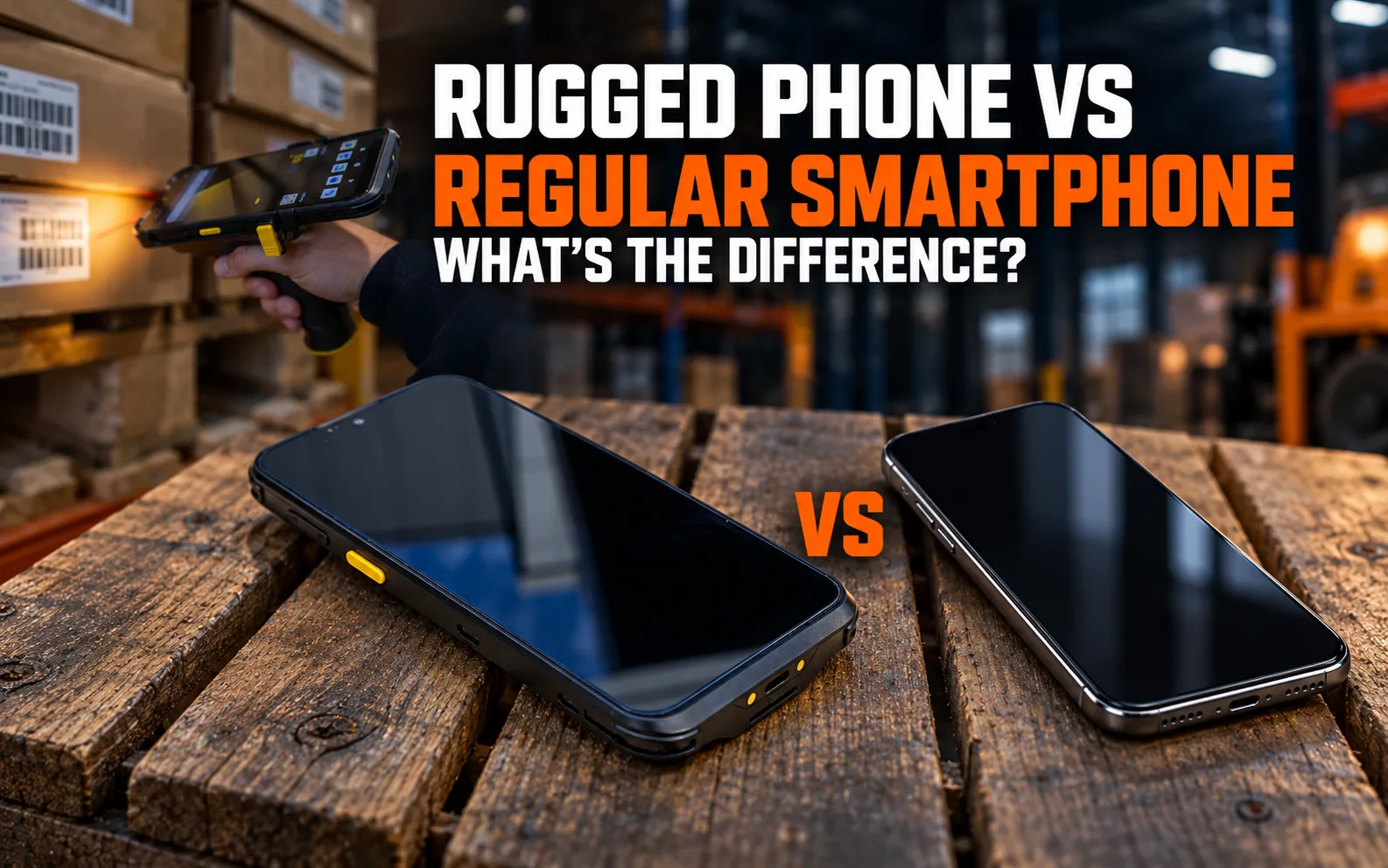
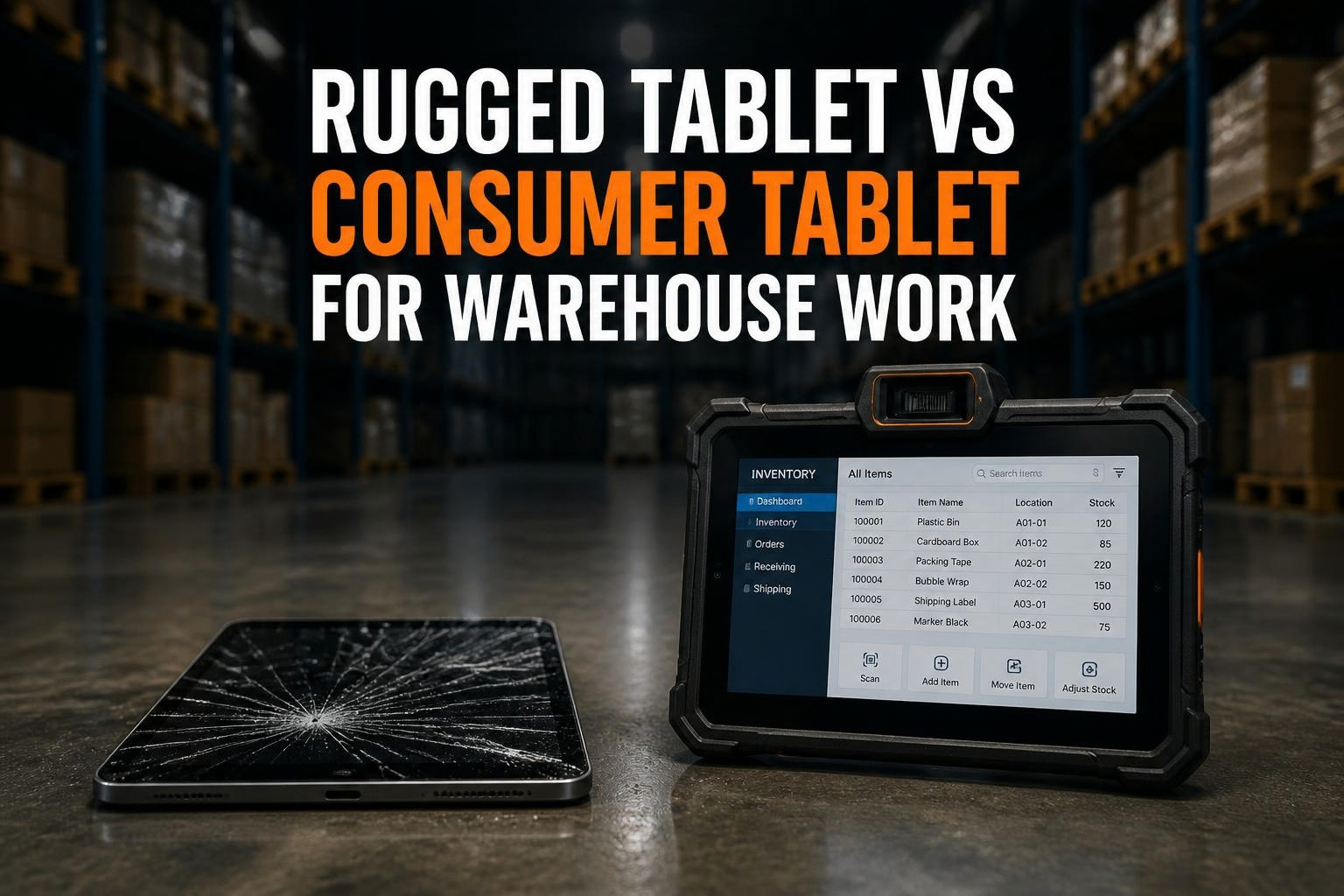
The recent announcement that MilDef will end its Handheld division has sent ripples across industries that rely heavily on rugged mobile technology. For sectors such as logistics, construction, utilities, warehousing, and field services, handheld devices aren’t just tools, they’re the backbone of productivity. As companies digest the news, many are left wondering what comes next. The good news? There are innovative, powerful, and reliable alternatives already available. The future of rugged mobility is brighter and more adaptable than ever.
The Shift in Rugged Technology
MilDef’s exit marks a turning point in the rugged tech market. While the company built a solid reputation for durable handhelds and tablets, technology and user demands have evolved rapidly.Rugged device users now want more than hardware that simply survives drops and rain; they want intelligent, connected tools that enhance workflows and support real-time operations.
This shift is driven by the rising need for digital transformation in field services. From barcode scanning and data capture to geolocation and live communications, rugged devices are expected to do far more than before. Businesses looking for handheld alternatives need to keep pace with this transformation or risk falling behind.
The Importance of Acting Early
Waiting too long to replace handheld devices can lead to operational delays, service disruptions, and increased costs. Proactively identifying and integrating new rugged hardware ensures a smooth transition, better continuity, and stronger long-term performance. Preparing early allows businesses to test, compare, configure, and train their team without urgent replacement pressure, ensuring long-term success.
What to Look for in a Handheld Alternative
Not all rugged devices are created equal. When evaluating your next mobile solution, focus on a few essential attributes. Performance should be at the top of the list. Devices need to support intensive tasks like barcode scanning, mapping, data syncing, and mobile communications without lag or failure. A long battery life ensures employees stay productive during long shifts without needing mid-day recharges.
Software compatibility also plays a huge role. Whether you’re using Android or Windows-based software, your new hardware must integrate seamlessly. Beyond the OS, compatibility with your current apps, back-end systems, and network security setups can’t be overlooked.
Then there’s durability. Truerugged devices meet military-grade standards like MIL-STD-810 and IP ratings for water and dust resistance. This ensures the device holds up in the toughest environments from frozen warehouses to hot, dusty construction sites.
Support and warranty offerings also make a major difference. Fast repair services, accidental damage coverage, and long product life cycles should all be considered.
Feature
Minimum Requirement
Why It Matters
Performance
Octa-core CPU, 4GB–8GB RAM
Enables smooth multitasking, barcode scanning, and enterprise app performance
Battery Life
8–12 hours, hot-swappable battery preferred
Ensures continuous use in the field without charging delays
OS Compatibility
Android 11+ or Windows 10/11
Supports current enterprise apps, updates, and mobile device management (MDM)
Rugged Certifications
MIL-STD-810H, IP67/IP68
Withstands drops, vibration, extreme temps, water, and dust, essential for field
Screen Visibility
500+ nits brightness, glove-friendly
Ensures outdoor readability and usability in bright sunlight or harsh environments
Repair & Support
1–2 day repair turnaround, 3–5 year warranty
Minimizes operational downtime and long-term TCO
Here’s a quick comparison of must-have features to guide your selection process:Conker: A Trusted Name in Rugged Mobility
Conker has emerged as a top alternative for businesses seeking reliable, rugged solutions. Since 2008, Conker has provided rugged tablets, handhelds, and wearables designs to tackle real-world challenges. Built specifically for industries where durability, uptime, and ease of use are vital, Conker’s products are tailored for logistics, construction, healthcare, and more.
One of Conker’s standout features is its commitment to rapid support. With a one-day repair guarantee, businesses don’t need to worry about downtime stretching into weeks. This quick turnaround minimizes productivity loss and boosts operational confidence.
Conker’s devices are also backed by accidental damage warranties. In harsh working environments, the risk of device damage is always present. Conker’s warranty plans provide peace of mind, knowing that a dropped or cracked device won’t derail your workflow.
Rugged Device Models Worth Considering
If you’re evaluating Conker as an option or simply exploring the rugged device market several models stand out. Conker’s handhelds offer excellent scanning capabilities, high processing power, and industrial-grade durability. Their tablets, like the Conker NS10 and SX80, combine sleek design with rugged toughness, offering powerful mobile performance.
Alternatives to the phased-out Handheld models include:
Windows 11 support, more powerful CPU options (i5/N5100), advanced 2D scanner, IP68
These devices are not only feature-rich but future-proof. They support remote updates, enterprise-grade security, and modern connectivity options like 4G LTE and NFC, ensuring long-term compatibility and functionality.
Planning Your Transition with Confidence
Moving away from handheld devices doesn’t have to be overwhelming. The key is to start with a clear understanding of your current device usage. Identify what applications are critical, what environments the devices are used in, and what features are most valued by your workforce.
Once you’ve mapped your requirements, begin testing alternatives. Run pilot programs to get user feedback, evaluate compatibility with your software, and assess support response times. Finally, plan your deployment in phases to minimize disruption and maximize adoption.
Conker and other reputable vendors can assist with personalized recommendations, staging and kitting, and custom features to match your operational needs.
Frequently Asked Questions (FAQs)
What does MilDef’s exit from the Handheld market mean for users?
It means that product support, updates, and future availability for Handheld devices will be phased out, requiring businesses to find replacements to avoid operational risk.
Are Conker’s devices truly rugged?
Yes, Conker’s devices meet military-grade certifications like MIL-STD-810 and have IP65/IP67 ratings, ensuring durability in the most demanding environments.
How do I know which rugged device is right for my business?
Start by assessing your workflow, software needs, and environment. Then test devices from trusted vendors like Conker that match those requirements.
Can I transfer my existing software to a new rugged device?
Most modern rugged devices are designed for compatibility with common enterprise software. However, confirm OS and app requirements before migration.
How fast can I get a damaged device repaired with Conker?
Conker offers a one-day repair turnaround, minimizing downtime and ensuring your teams stay productive.
Conclusion
The sunsetting of MilDef’s Handheld division is a significant moment but also a massive opportunity. Forward-thinking companies can seize this chance to modernize their hardware, improve operational efficiency, and ensure long-term resilience. With proven solutions like Conker’s rugged devices, you can leap without fear.
Rugged mobility is evolving rapidly. Businesses that adapt early will gain the edge not just by avoiding disruption, but by unlocking new levels of performance and agility. Whether you’re scanning barcodes in a warehouse or managing field data in the rain, there’s a better device out there waiting for you.